
How To Transfer Crypto From Exchange To Wallet Safely (Beginner Guide 2026)
Moving your coins from an exchange to your own wallet sounds scary at first. What if you click the wrong button and your money disappears?
The good news is that the process is simple once you understand a few key ideas. When you move crypto off a centralized exchange, like Binance, Coinbase, or Kraken, into a personal wallet, like MetaMask, Ledger, or Phantom, you take direct control of your money.
This guide is written for beginners at about an 8th grade reading level. You will see a clear step‑by‑step process, common mistakes to avoid, and simple security tips so you do not lose funds while you learn how to transfer crypto from exchange to wallet.
Why Move Crypto From an Exchange to Your Own Wallet?
Keeping coins on an exchange is like keeping cash with a friend. Most of the time it works, but you are trusting them with everything.
When your crypto sits on an exchange:
- The exchange controls the keys to your coins.
- A hack, shutdown, or frozen account can block your access.
- Your use is limited to what the exchange supports.
In 2025, for example, a single attack on Bybit led to about 1.5 billion dollars in stolen Ethereum. Coinbase also faced a security breach tied to support staff. Events like these remind people that exchanges are big targets.
When you move funds to your own wallet:
- You control access with your private keys.
- You can hold long term without relying on one company.
- You gain better privacy and can use DeFi, NFTs, and Web3 apps.
You trade convenience for control, and for many people, that trade is worth it.
Not Your Keys, Not Your Coins: What That Really Means
Private keys are like the master password to your crypto. Anyone with that key can move your coins.
On an exchange, the company holds the keys. You only see a balance on their system. It is like a bank account: you have a claim to the money, but the bank holds the cash.
In a personal wallet, you hold the keys. That is more like keeping cash in a safe at home. You have full control, but you also have full responsibility to protect it.
When people say, “Not your keys, not your coins,” they are saying that if someone else controls the private keys, they really control the money.
When It Makes Sense to Transfer Off the Exchange
You do not need to move every single coin off an exchange right away. There are common use cases where it makes sense:
- Long‑term holding: You plan to hold Bitcoin, ETH, or other coins for years.
- Large amounts: You hold more than you are comfortable leaving with a third party.
- Using DeFi or NFTs: You want to connect to apps like Uniswap, OpenSea, or on‑chain games.
- Worried about freezes: You do not want surprise limits or holds on your funds.
It can be fine to keep small trading balances on an exchange if you buy and sell often. Many people trade from the exchange and store their main stack in a private wallet.
Step 1: Choose the Right Wallet for Your Crypto
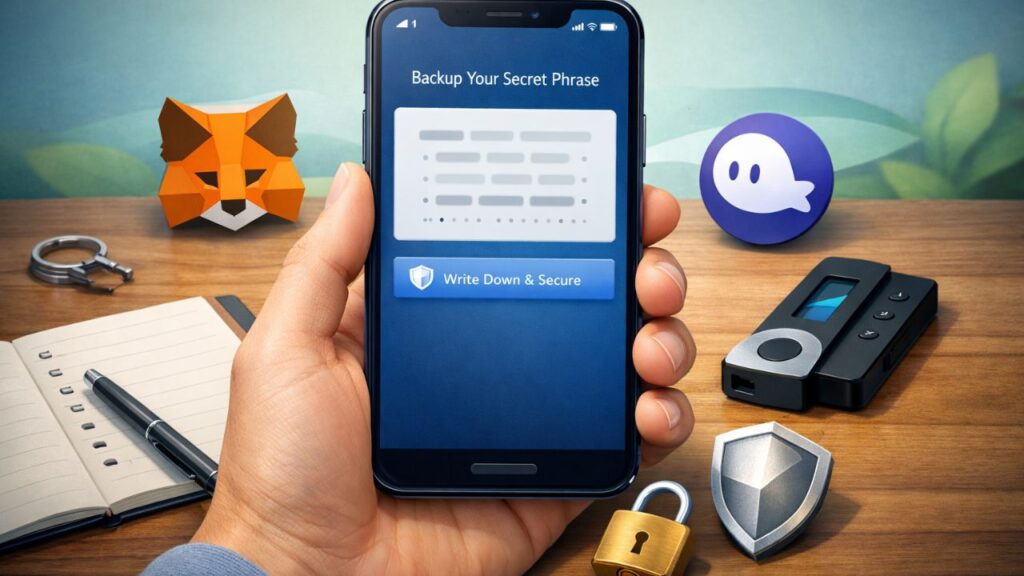
Before you move anything, you need a wallet that supports your coins and the networks they use.
Some popular beginner choices in 2026:
- MetaMask: Great for Ethereum, Base, Polygon, and many other EVM chains.
- Phantom: Great for Solana and also supports some EVM networks.
- Ledger hardware wallets: Good for long‑term storage of Bitcoin, Ethereum, and many more.
Think about how you plan to use your crypto:
- Daily use and Web3 apps: pick a simple hot wallet.
- Long‑term, “set it and forget it”: add a hardware wallet for extra safety.
Hot Wallet vs Cold Wallet: Which Is Better for You?
A hot wallet is connected to the internet. It is usually a phone app or browser extension.
Examples: MetaMask, Phantom, Trust Wallet.
- Pros: Easy to use, quick access, perfect for DeFi, NFTs, and daily transfers.
- Cons: More exposed to hacks, malware, and phishing if your device is not safe.
A cold wallet (hardware wallet) stays offline most of the time. It is a small device you plug in when you want to sign a transaction.
Examples: Ledger Nano series, Trezor devices.
- Pros: Very strong security for long‑term holding, keys never leave the device.
- Cons: Costs money, slightly slower to use, not ideal for rapid trading.
Many people use both: a hot wallet for small, active amounts and a hardware wallet for savings.
Picking a Wallet That Supports Your Coin and Network
Not every wallet works with every coin. This is where many beginners get stuck.
A few simple rules:
- MetaMask is for Ethereum and Ethereum‑style chains, such as Base, Polygon, and BNB Smart Chain.
- Phantom is best known for Solana, and also supports some EVM networks.
- Ledger and Trezor support many major coins, including BTC, ETH, and SOL, using their own apps.
Most exchanges let you pick a network when you withdraw. Your wallet must support:
- The coin (for example, USDT, ETH, SOL).
- The network for that coin (for example, Ethereum, Tron, Solana, Polygon).
If your wallet does not support that combination, do not send funds there.
Setting Up Your Wallet the Safe Way
Once you pick a wallet, set it up with care:
- Download only from the official site or app store. Double check the URL and reviews.
- Create a new wallet, then write down the seed phrase that appears.
- Write it on paper, or metal if you want extra safety, and keep it offline.
- Do not take screenshots, photos, or save it in email or cloud storage.
- Never share the seed phrase with anyone. Support teams, friends, and “helpers” online should never ask for it.
Your seed phrase is the master key to your funds. If someone gets it, they can drain your wallet. If you lose it, you may lose access forever.
Step 2: Find and Double Check Your Wallet Receiving Address
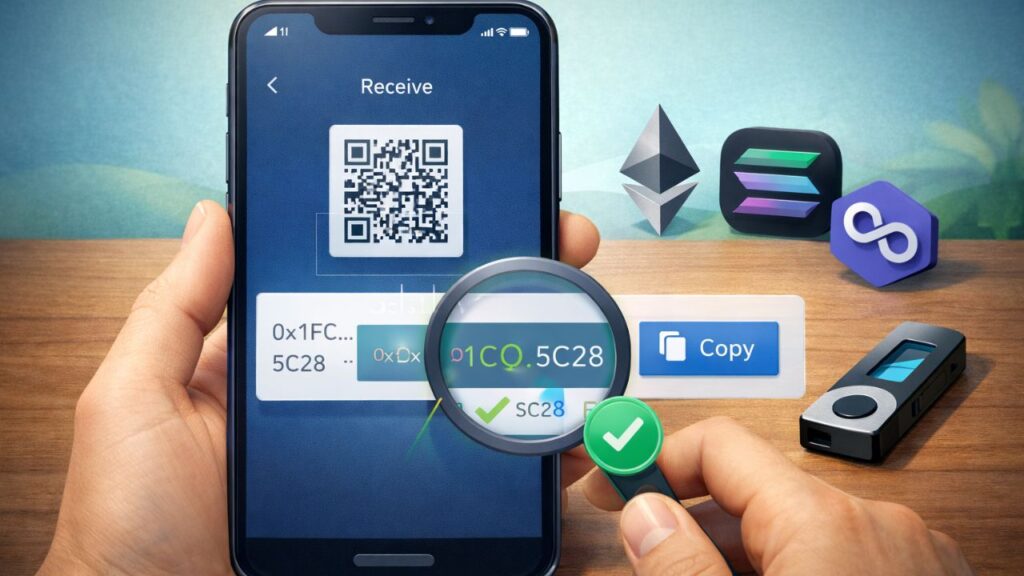
Your wallet address is like your bank account number. The exchange needs it to know where to send the coins.
Crypto transfers are one‑way. There is no “undo” button. That is why this step matters so much.
How to Copy Your Wallet Address Without Mistakes
The basic process is similar across wallets:
- Open your wallet app or browser extension.
- Select the correct coin or network.
- Tap or click the Receive or Account button.
- Copy the address with the copy button, or scan the QR code from another device.
Common address patterns:
- Ethereum and Ethereum‑style chains: start with 0x.
- Some Bitcoin addresses: start with bc1, or 1, or 3.
- Solana addresses: longer strings of letters and numbers, no 0x at the start.
After you paste the address on the exchange, compare the first 4 and last 4 characters with what you see in your wallet. If they do not match, stop and check again.
Clipboard malware can change addresses. This simple check helps catch that.
Matching the Right Network So Funds Do Not Vanish
Every time you withdraw, the network on the exchange must match the network that your wallet supports.
For example:
- Sending USDT on Ethereum must go to an Ethereum address that supports ERC‑20 tokens.
- Sending USDT on Tron must go to a wallet that supports TRC‑20 on Tron, not to MetaMask on Ethereum.
- Sending SOL from an exchange must go to a Solana wallet address, such as Phantom.
Wrong network choices are one of the top reasons people lose funds.
If you see multiple options on the exchange, such as:
- USDT ERC‑20
- USDT TRC‑20
- USDT BSC
Go back to your wallet and confirm which one it supports. If you are unsure, send nothing and look up the wallet’s help page.
Step 3: Start the Transfer From Your Exchange Account
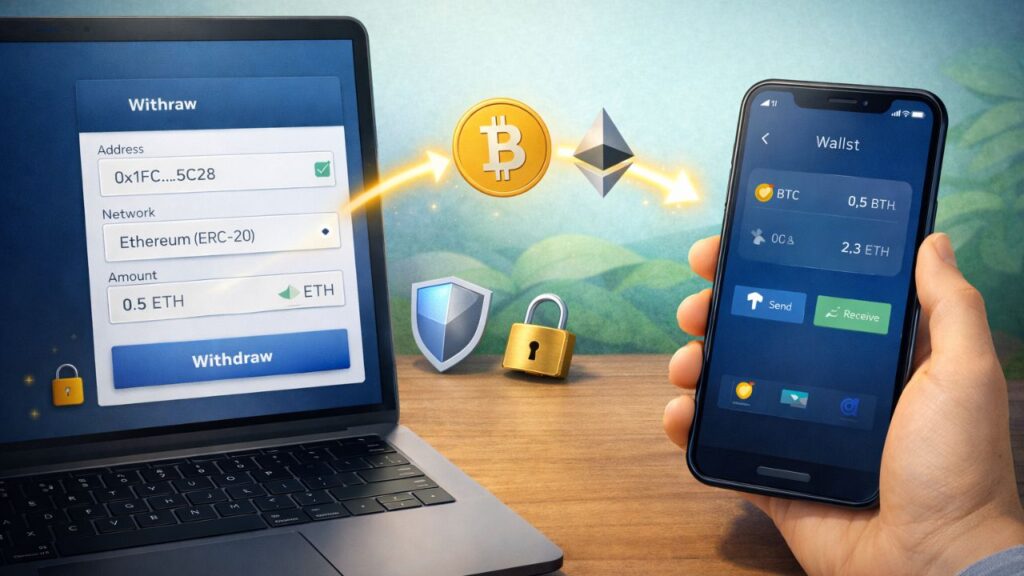
Now that your wallet is ready and you have the correct address, you can start the actual withdrawal.
Most big exchanges follow a similar flow.
Where to Find the Withdraw or Send Button on Exchanges
Look for menu items named:
- Wallet
- Portfolio
- Assets
Inside that area, find the coin you want to move, for example BTC, ETH, or SOL. Then pick one of the options:
- Withdraw
- Send
- Cash out to crypto wallet
Make sure you choose withdraw to external wallet, not “sell” to your bank or card.
Entering Your Wallet Address, Network, and Amount
On the withdrawal screen you will usually see three key fields:
- Address: Paste your wallet address. Do not type it by hand.
- Network: Pick the same network your wallet supports.
- Amount: Enter how much you want to send.
Some coins, like XRP or XLM, may show a memo, tag, or destination tag field when you send to certain exchanges. When sending to your own personal wallet, this tag is often not needed. Always read the instructions next to that field.
If you forget a memo or tag when sending to an exchange, your coins can get stuck. Recovery is sometimes possible but may be slow and may include a fee.
Before you continue, check:
- Address first and last characters.
- Network name.
- Amount and fee.
If anything looks off, cancel and start again.
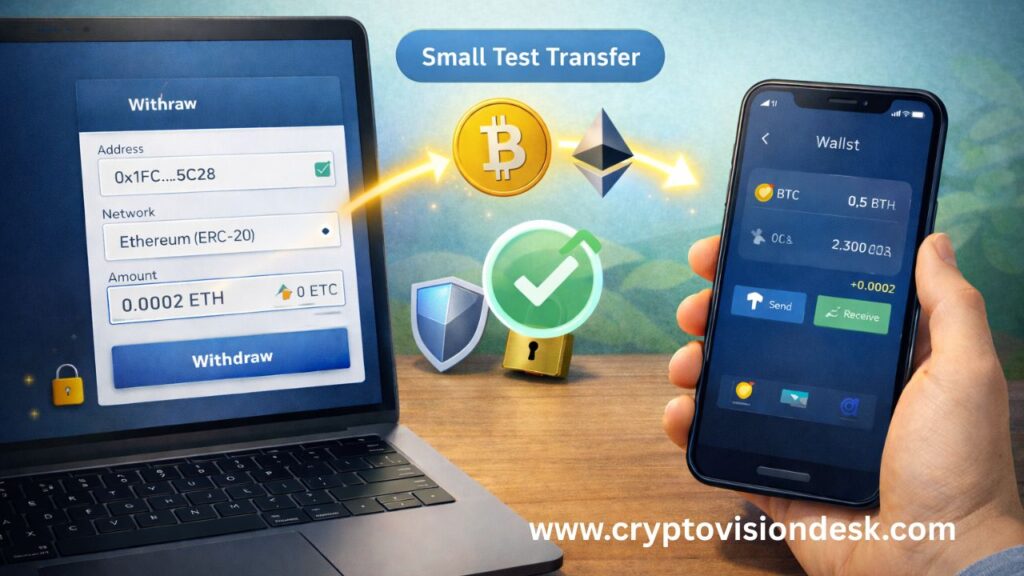
Always Send a Small Test Amount First
A test transaction is one of the safest habits you can build.
Send a small amount first, like 5 to 20 dollars worth:
- Paste address and pick network.
- Send the small test.
- Wait for it to land in your wallet.
- Once it arrives, repeat the process for the full amount.
This adds a few extra minutes, but it can save you from very costly errors.
Step 4: Confirm, Track, and Verify Your Transfer
After you click send, the exchange will broadcast your transaction to the blockchain. Now you need to track it and confirm it arrives.
How Long Transfers Usually Take on Popular Networks
Times can change with traffic and fees, but here are simple ranges in late 2026:
| Network | Typical time for 1 transfer |
|---|---|
| Bitcoin | About 10 to 30 minutes |
| Ethereum mainnet | About 1 to 5 minutes |
| Polygon / Base | A few seconds to 1 minute |
| BNB Smart Chain | A few seconds |
| Solana | Near instant, a few seconds |
If your transfer takes longer than usual, it does not always mean the funds are lost. The network might be busy or the exchange may be batching transactions.
Using Block Explorers Like Etherscan to Check Your Transaction
A block explorer is a public website that lets you track blockchain activity. It is like an online package tracker for your crypto.
Common explorers:
- Ethereum and many EVM chains: Etherscan or chain‑specific scanners.
- BNB Smart Chain: BscScan.
- Solana: Solscan or SolanaFM.
- Bitcoin: Blockchain.com or similar sites.
Here is how to use them:
- After you withdraw, copy the transaction ID (TX hash) from the exchange.
- Go to the correct explorer.
- Paste the TX hash into the search bar.
You will see a status such as:
- Pending: Sent, not yet confirmed.
- Confirmed: Enough blocks added, funds should appear in your wallet.
- Failed: Transaction did not complete; the exchange should show an error.
Once the status shows confirmed and your wallet balance updates, your transfer is complete.
Fees, Limits, and Common Mistakes to Avoid When Transferring
Every withdrawal comes with some cost and rules. Knowing them helps you plan and avoid surprises.
What Crypto Withdrawal Fees Look Like in 2026
Exchanges usually pass on the network fee and may add a small markup. Actual numbers move with traffic, but you can think in ranges:
- Bitcoin: Often under a few dollars on calm days, can rise much higher when the network is busy. Some exchanges batch withdrawals to keep costs lower.
- Ethereum mainnet: Often a few dollars per transaction, higher during peak use.
- Layer‑2s like Polygon or Base: Usually a few cents or less, much cheaper than Ethereum mainnet.
- Solana: Very low fees, often a fraction of a cent.
Before you withdraw, the exchange will show a fee. If it looks very high, you can wait, pick a cheaper network, or move a smaller amount.
Exchange Limits, Holds, and Identity Checks
Exchanges may have rules such as:
- Daily or weekly withdrawal limits.
- Extra checks for large amounts.
- Short holding periods after card or bank purchases.
Check the limits page of your exchange before trying to move a large sum. If you plan to withdraw a big amount, it can help to raise limits early through their identity checks, not at the last minute.
Avoid These Costly Errors: Wrong Network, Wrong Address, No Memo
Most horror stories in crypto come from a few repeat mistakes:
- Wrong network: Sending a token on the wrong chain, for example USDC on Solana to an Ethereum‑only address.
- Wrong address: Copying the wrong address or using one changed by malware.
- Missing memo/tag: Forgetting the destination tag for XRP, XLM, or some exchange deposits.
- No test transaction: Sending everything at once without a small trial run.
Use a simple checklist before you press confirm:
- Correct coin.
- Correct network.
- Address first and last 4 characters match.
- Memo or tag filled in when required.
- Small test sent and confirmed.
If you treat this like sending a large bank wire, you will make fewer mistakes.
Read Also: How to Spot Crypto Scams: Simple Safety Guide
Security Best Practices When Moving Crypto to Your Wallet
Once your funds are in your personal wallet, security becomes your job. A few basic habits go a long way.
Protecting Your Seed Phrase and Private Keys
Your seed phrase is the backup for your private keys. With it, anyone can rebuild your wallet.
Follow these rules:
- Write the phrase on paper or metal and keep it in a safe, dry place.
- Do not type it into websites, chat apps, or cloud notes.
- Do not read it out loud on calls with “support” agents.
- Consider a second backup in a different secure location in case of fire or theft.
If any website or person asks for your seed phrase, treat it as a scam.
Avoiding Phishing Sites, Fake Apps, and Clipboard Scams
Scammers often try to trick you into sending funds to them:
- Fake wallet websites with addresses that look almost right.
- Look‑alike apps in app stores.
- Emails or DMs pretending to be support, with links to fake login pages.
- Malware that swaps your copied wallet address with the attacker’s address.
To reduce risk:
- Bookmark official sites and use those bookmarks.
- Double check app publishers in the store.
- Keep your phone and computer updated and use antivirus tools.
- Always check the first and last few characters of an address after pasting.
If something feels rushed or pushy, pause and verify.
Extra Protection for Larger Balances: 2FA and Hardware Wallets
For larger holdings, add extra layers:
- Turn on two‑factor authentication (2FA) on your exchange and email, using an authenticator app rather than SMS where possible.
- Use a hardware wallet like Ledger or Trezor for long‑term storage.
Hardware wallets keep your private keys offline and ask you to confirm each transaction on a small screen. Even if your computer has malware, the attacker cannot sign a transfer without that device.
Think of your hardware wallet as a safe, and your hot wallet as the wallet in your pocket.
Read Also: How to Earn Bitcoin in 2026: 15 Real Ways That Work
Conclusion
Moving crypto from an exchange to your own wallet is a big step toward real ownership of your coins. The core process is simple: pick a safe wallet, copy and check the right address and network, send a small test amount, then send the full amount and track it on a block explorer.
At first, all the addresses and networks can feel confusing. After you do it a few times, it starts to feel as normal as moving money between bank accounts.
Slow down, treat every transfer like real money, and double check the details. If you respect the process and follow the safety tips in this guide, you can move your crypto with confidence and enjoy the freedom that comes from holding your own keys.
“Disclaimer”
“This article is for educational purposes only and should not be considered tax or legal advice. Please consult a qualified tax professional.”
Read Also: Top 5 Hardware Wallets | Full Security & Price Guide