
What Is a Hardware Wallet & Why You Need One in 2026
If you keep crypto on an exchange or a phone app, you are one bad click away from watching it disappear. In 2025, several big exchanges were hacked in minutes and hot wallets were emptied before users even knew anything was wrong.
You do not need to be a security expert to protect yourself. You just need to understand what a hardware wallet is and how to use it in a simple, safe way.
This guide explains, in plain language, what a hardware wallet is, how it works, how it compares to exchange and app wallets, what went wrong in 2025, and clear steps to pick and use one in 2026.
What Is a Hardware Wallet in Simple Terms?
A hardware wallet is a small device that keeps the keys to your crypto offline.
Think of it like a special key to a vault. Your coins stay on the blockchain, which is like a public record. The hardware wallet holds the secret key that proves those coins are yours and lets you approve moves from that vault.
You plug it into your computer or pair it with your phone, use it for a few minutes to approve a transaction, then unplug it and put it away. While it sits in your drawer, your keys are not exposed to the internet.
Three simple ideas sit behind every hardware wallet:
- Private key
- Seed phrase
- Offline storage
Let’s break those down.
Private keys, seed phrases, and how a wallet really works
A private key is the secret that controls your crypto. If someone gets it, they can send your coins anywhere without asking you.
A seed phrase (or recovery phrase) is a set of 12 to 24 words that acts like a backup of many private keys. If you lose the device, you can enter those words into a new wallet and get access to the same funds.
Here is the part many people miss: your coins are not inside the device. They never leave the blockchain. The wallet only holds the keys that tell the network, “Yes, this person can move these coins.”
A simple view of what happens when you send crypto with a hardware wallet:
- You start a send in your app or browser wallet.
- Your computer sends the unsigned transaction to the hardware wallet.
- The hardware wallet shows the details on its own screen.
- You check the address and amount, then press the buttons to approve.
- The device signs the transaction inside its secure chip without exposing the private key.
- The signed transaction goes back to your computer, which broadcasts it to the network.
The private key never leaves the device, so even if your laptop is full of malware, the key stays hidden.
Hardware wallet vs crypto exchange vs app wallet
There are three common ways people hold crypto:
| Option | Who holds the keys? | Main risk |
|---|---|---|
| Exchange account | The exchange company | Exchange hack, freeze, or shutdown |
| App or browser wallet | You, on a phone or laptop | Malware, fake apps, phishing sites |
| Hardware wallet | You, on a small offline device | Loss of device or seed phrase mistakes |
The simple rule many people repeat is “not your keys, not your coins.”
- On an exchange, you have a login and a balance, but the company controls the private keys. If it gets hacked, goes bankrupt, or locks withdrawals, you are stuck.
- With a software wallet on your phone or in your browser, you control the keys, but they live on a device that stays online. A virus, fake browser extension, or scam site can trick you into signing the wrong thing.
- With a hardware wallet, you control the keys and keep them offline. Apps and browser extensions can talk to the device, but they cannot see or copy the private keys.
In short, exchanges control your coins for you, software wallets hand you the keys but keep them in a risky place, and hardware wallets hand you the keys and put them in a locked safe.
How a Hardware Wallet Protects Your Crypto in 2026
2025 showed how rough things can get. One major global exchange lost more than a billion dollars after attackers broke its hot wallet signing system. Other platforms in India, Turkey, South Korea, and Iran saw tens of millions drained in separate attacks. Some users were frozen out for weeks while companies tried to recover.
At the same time, DeFi, NFTs, and cross‑chain bridges grew fast. More people connected wallet apps to random sites, clicked unknown links, and approved risky smart contracts.
Hardware wallets do not fix every problem, but they directly address the biggest ones.
Offline (cold) storage that keeps hackers out
A hardware wallet gives you cold storage, which means the private keys are not on an internet‑connected device.
When you are not sending, receiving, or signing something, the wallet sits unplugged or locked and offline. Malware has nothing to connect to, and there is no “online vault” for attackers to drain.
When you do need to send funds:
- The wallet connects for a short time to sign.
- It never shares the private key with your computer or phone.
- Once you unplug it, it goes back to being offline.
Even if your laptop has a keylogger or a virus, the attacker cannot pull your keys off a hardware wallet because the keys never leave the chip.
Physical confirmation so malware cannot fake a transaction
A good hardware wallet has its own screen and physical buttons or a touch display.
Every time you send crypto or sign a DeFi or NFT action, the device shows:
- The address you are sending to
- The amount
- The network or token
You confirm by pressing buttons on the device itself, not on your computer screen.
This matters a lot. Some malware changes the address in your clipboard or inside your browser, so you think you are paying one person but you are really paying the attacker. With a hardware wallet, you can spot that trick because the real address and amount appear on the device screen, not only on your computer.
If the details look wrong, you cancel on the device and nothing goes through.
Protection from exchange failures and rising 2025–2026 hacks
The pattern in late 2025 was clear. Attackers kept going after:
- Exchange hot wallets
- Browser extensions
- Cloud‑based wallets
When those were hit, users had no good way to react. Withdrawals stopped, balances dropped to zero, or websites went offline while “internal reviews” took place.
Holding a meaningful part of your stack on a hardware wallet changes that. If an exchange fails, you still have coins in your own wallet, under your own keys. You can move them whenever you want, to any platform that still works.
As more money moves into crypto in 2026, both honest users and attackers are showing up in larger numbers. Having at least your long‑term holdings off exchanges is a simple step that removes a big single point of failure.
Backups and recovery if your device is lost, stolen, or broken
A hardware wallet is not magic. It can be lost, stolen, or damaged. The good news is that your seed phrase protects you if you treat it well.
The basic recovery flow:
- When you set up the wallet, it shows 12 to 24 words on the screen.
- You write those words on paper or stamp them into metal.
- You store that backup in a safe place, like a home safe or a bank box.
- If the device is lost or broken, you buy a new one, choose “recover,” and enter those words.
- The new device rebuilds your keys and you regain access to your funds.
Two hard rules:
- Never type the seed phrase into a website, app, or “support” chat.
- Never take a photo or store it in cloud notes or email.
Losing the device alone is annoying but fixable if the backup is safe. Losing the seed phrase, or letting someone else copy it, is the real disaster.
Do You Really Need a Hardware Wallet in 2026?
Not everyone needs a hardware wallet on day one. The right choice depends on how much you hold, how long you plan to hold it, and how you use crypto.
Think about three things:
- Your total crypto value in dollars
- How often you trade or farm yields
- How stressed you would be if your phone or exchange account vanished tomorrow
If losing that amount would hurt more than losing a good phone, you are probably ready for a hardware wallet.
Who should buy a hardware wallet (and who might not need one yet)
You will get a lot of value from a hardware wallet if you are:
- A long‑term holder who plans to keep Bitcoin, ETH, or other coins for years
- A DeFi user who connects wallets to many sites and smart contracts
- An NFT collector who signs marketplace transactions often
- A multi‑chain user working with Bitcoin, Ethereum, Solana, and more
In these cases, you sign often or hold real value, so you want stronger protection and less trust in any single exchange or phone.
If you are just testing crypto with small amounts, a simple app wallet can be fine at first. Watch your balance. Once it grows to a number that would really hurt to lose, it is time to upgrade your setup.
How much crypto justifies the cost of a hardware wallet
Most good hardware wallets cost around the same as a mid‑range phone accessory or a nice pair of shoes.
A simple rule of thumb:
- If your crypto is worth more than one or two months of rent, strongly consider a hardware wallet.
- If it is worth more than a new phone, you are past the point where a $70 to $150 device is “too expensive.”
The price of one hardware wallet is tiny compared to a single serious hack or scam. Free hot wallets feel cheap and easy, but they can come with very expensive mistakes.
Common myths: too hard to use, only for pros, or no longer needed
People still repeat a few myths in 2026:
- “Hardware wallets are too hard to use.”
Newer models come with clear screens and simple apps. Setup is guided step by step. If you can set up a new phone, you can set up a hardware wallet. - “My phone is secure enough.”
Phones get lost, stolen, and infected with fake apps all the time. They are full of games, links, and downloads. A hardware wallet does one job: protect keys. - “Exchanges already protect me.”
2025 proved that even big exchanges can be drained or frozen. You may get some refund, or you may not. Your own keys are a stronger safety net. - “New smart wallets make hardware wallets pointless.”
Account abstraction and smart wallets improve user experience, but they still need secure key storage behind the scenes. Hardware wallets remain the safest place to keep those keys.
How to Choose and Safely Use a Hardware Wallet in 2026
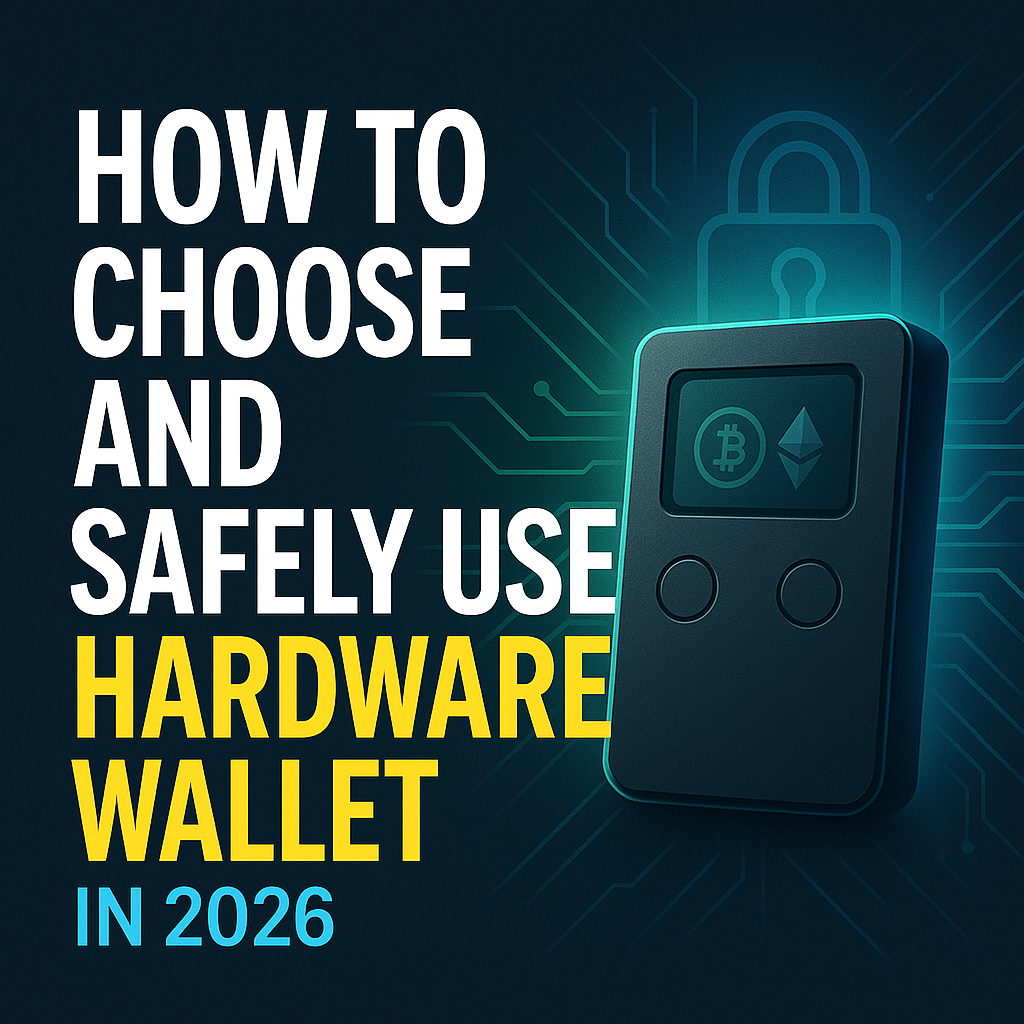
You do not need to know every brand to make a good choice. Popular models like Ledger and Trezor are well‑known and support many coins, but the key is to focus on features, security, and buying from the right place.
Then, follow a calm, simple setup flow and some common‑sense habits.
Key features to look for in a 2026 hardware wallet
When you shop, look for:
- Support for major coins and chains
Bitcoin, Ethereum, stablecoins, and any networks you actually use. - Secure element or strong security chip
A chip like the one in bank cards, made to resist physical attacks. - Good screen and buttons
Clear text and enough space to read full addresses before you confirm. - Open‑source or audited software
Code that experts can review or that has public security audits. - Connection type that fits your life
USB‑only if you like cables, or Bluetooth if you want mobile use. - Solid companion app
A clean app that lets you see balances, install coin apps, and update firmware without confusion.
Always buy from the official store or a trusted, large retailer. Avoid second‑hand devices, since they can be tampered with.
Step by step: first time setup without making security mistakes
Treat the first setup like you are opening a real safe.
- Buy from an official or trusted source.
- When it arrives, check the box and seals for signs of tampering.
- Go to the maker’s real website, download the official app, and install it.
- Connect the device to your computer or phone using the app.
- Let the device create a new wallet and show you the seed phrase on its screen.
- Write the words by hand on paper or a metal backup, in order, with no photos.
- Confirm the words on the device when it asks you to repeat them.
- Set a strong PIN on the device.
- Do a small test transfer from your exchange or old wallet. Send a few dollars first, then more after you confirm it works.
Remember: no screenshots, no cloud storage, no typing the seed phrase into any website, even if it claims to be support.
Read Also: How to Earn Bitcoin in 2026: 15 Real Ways to Make Money
Everyday use: sending, receiving, DeFi, and NFTs with a hardware wallet
Once you are set up, daily use becomes simple.
You connect your hardware wallet to:
- The maker’s official app, for basic sends and receives
- A browser wallet like MetaMask, configured to use the hardware wallet as a signer
- Supported DeFi or NFT sites, also through that browser wallet
When you:
- Send crypto, start in the app, then check and approve on the device.
- Join a DeFi pool, stake, or swap, read the action description on the device, then approve.
- Buy or list an NFT, confirm the collection and price on the device screen.
Two small tips:
- Label accounts in your app, for example “Cold BTC savings” or “ETH DeFi.”
- Any time you use a new site, start with a tiny test transaction before you move serious money.
Read Also: Best Crypto Wallets for Beginners 2026 | Hot vs Cold Guide
Conclusion
A hardware wallet is a small device that keeps your private keys offline, gives you clear on‑device confirmation, and lets you back up access with a simple seed phrase. After a year of major exchange hacks and hot wallet attacks in 2025, this extra layer of control matters even more in 2026.
If your crypto is worth more than a new phone or a couple of months of bills, a hardware wallet is a smart way to cut risk and sleep better. You pay once, then gain long‑term peace of mind.
Take a moment today to decide: pick a model, plan where you will store your seed phrase, and move at least your long‑term holdings off exchanges. Your future self will be glad you took that small, focused step to protect your crypto.
Read Also: Keep Your Crypto Safe in 5 Minutes: Wallet Guide 2025